7 to 11 Review: How Many YouTube Shorts Should I Post a Day? One Long Video, a Full Week of Shorts
Most of us post a Short when we remember, then go quiet for a week. 7 to 11 by Chris Ramirez is the weekly plan from his brother Tim’s retro gaming sketch channel, which has over 3,400 Shorts: how many Shorts on a posting day, which days, and at what time, plus the trick that turns one long video into both Short lengths. It is a 7-page planning template, $17 once during the launch, with three bonus tools from me that do the work inside that week.
Short version: 7 to 11 gives a clear answer to “how many YouTube Shorts should I post a day”: 7 to 11 on a posting day, five days a week, in one fixed upload window, with rest days built in. The best part is the two-pass trick that gets both Short lengths out of one long video. It is a planning PDF, so you still record and cut the Shorts yourself, and it fits creators who already have streams, gameplay or long videos to cut. For $17 during the launch, with a 365-day guarantee, it is an easy way to put your Shorts on a schedule.
What you get: a YouTube Shorts posting schedule on seven pages
I went through the members area and the whole PDF. The members area holds the PDF download, a six-step how-to-use list, a short bonus video and the link to a WhatsApp group, where you can book a Zoom call with Chris to set the plan up together. The PDF is the product: a seven-page planning template written from Tim’s channel.
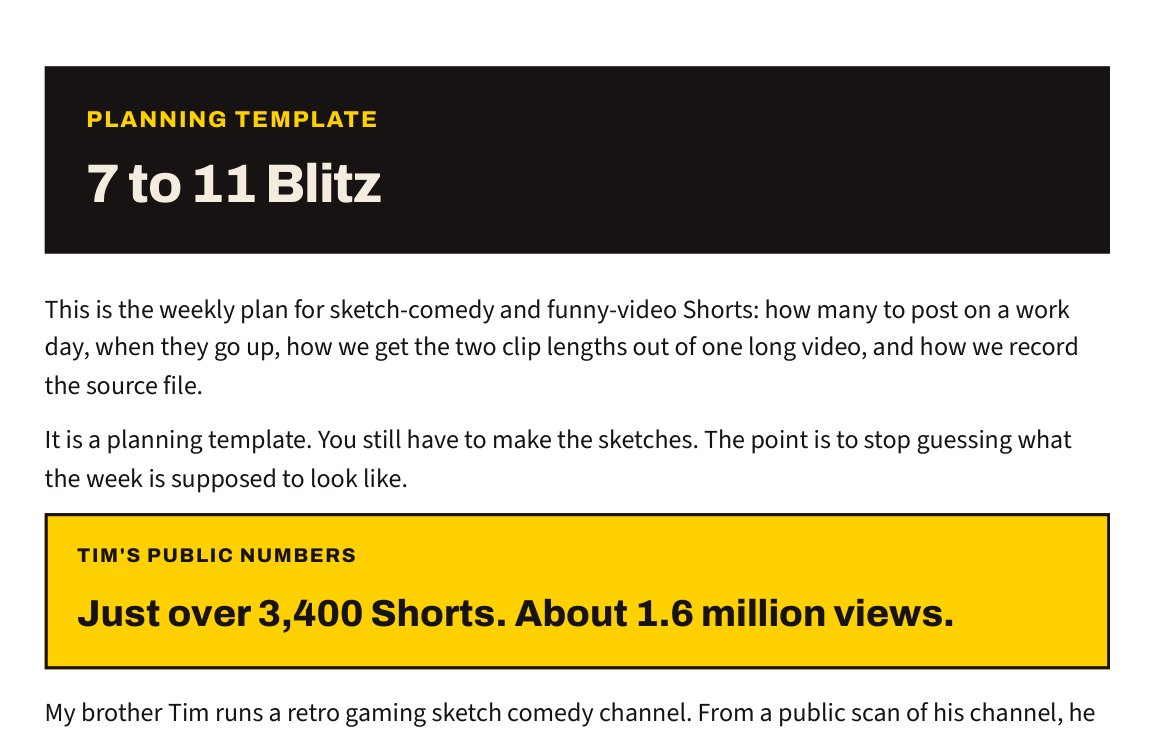
Page one of the PDF: the plan and Tim’s public numbers, marked as his numbers.
- The 7 to 11 threshold. On a posting day the target is 7 to 11 Shorts. Chris frames it as a workload target: seven is a full day, eleven is the top of the range. You write your own daily number into the box.
- The midnight window. Chris and Tim upload at midnight Central time. The PDF has fields to convert that time to your time zone and to write down when you will sit down to upload.
- The week. Monday, Thursday, Friday, Saturday and Sunday are posting days. Tuesday and Wednesday are off, so the rest days are part of the plan.
- The source footage. Tim records with an HDMI capture device (the Cloner Pro) from an emulator or a computer, with a short recording checklist.
- Two Opus.pro passes. The same long video goes through Opus.pro twice: once with the under-30-seconds setting for tight cuts, once without it for clips from 30 to 59 seconds.
- The weekly grid and a posting-day checklist with eleven slots: day, count, titles and clip length, ready to print.
How many Shorts a day, and the best time to post YouTube Shorts on this plan
The PDF answers the question with a range instead of one magic number. Seven to eleven on a posting day keeps the channel busy without the quality drop that comes when you force more. The upload time is the one Chris and Tim use on their channel: midnight Central. Read it as the schedule this plan uses, and test your own window against it.
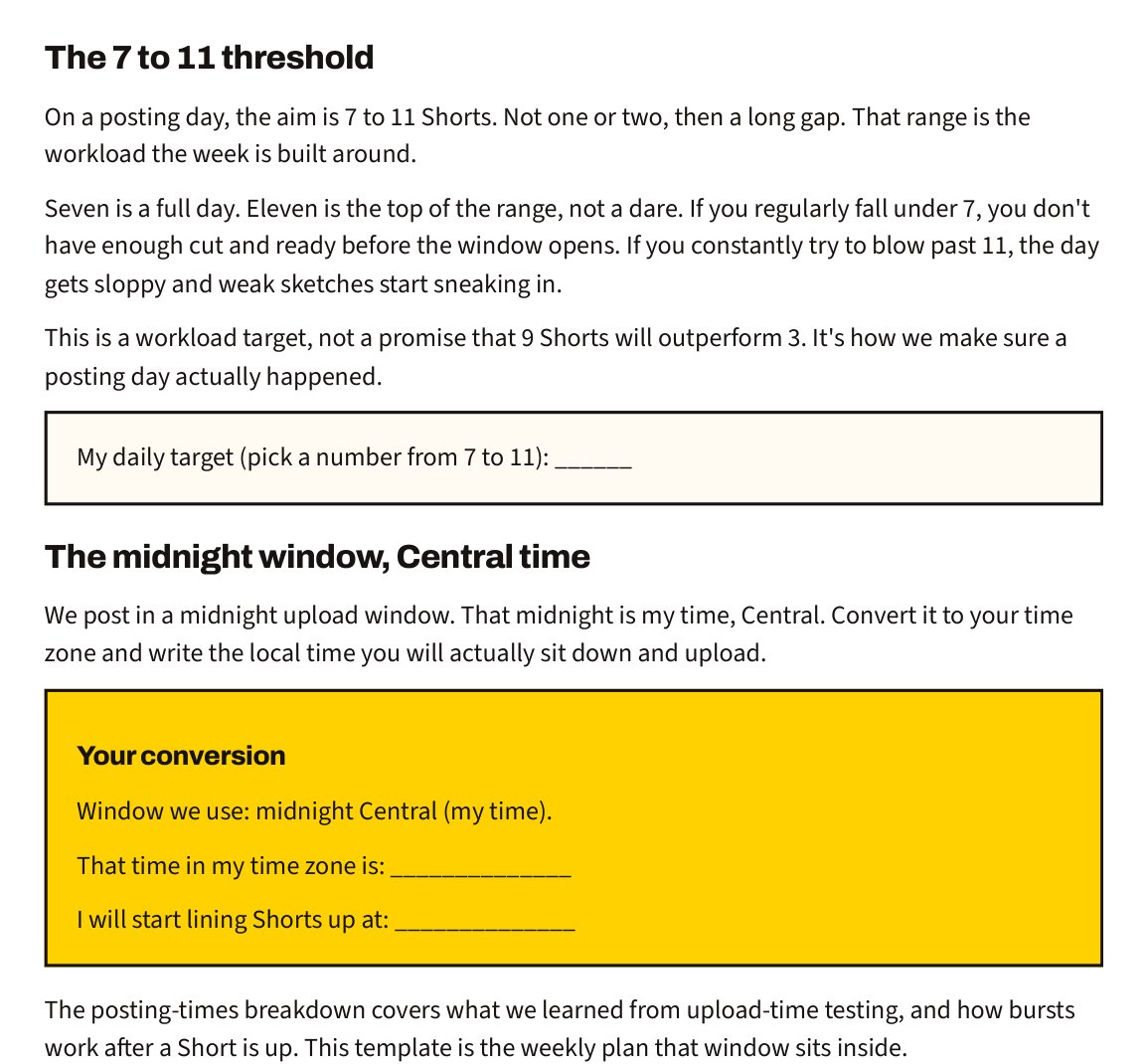
The 7 to 11 threshold and the midnight window, with fields for your own number and time zone.
How long should YouTube Shorts be? The plan uses both lengths. The two Opus.pro passes give you clips under 30 seconds and clips from 30 to 59 seconds from the same long video, so one recording feeds the whole week with a mix of both.
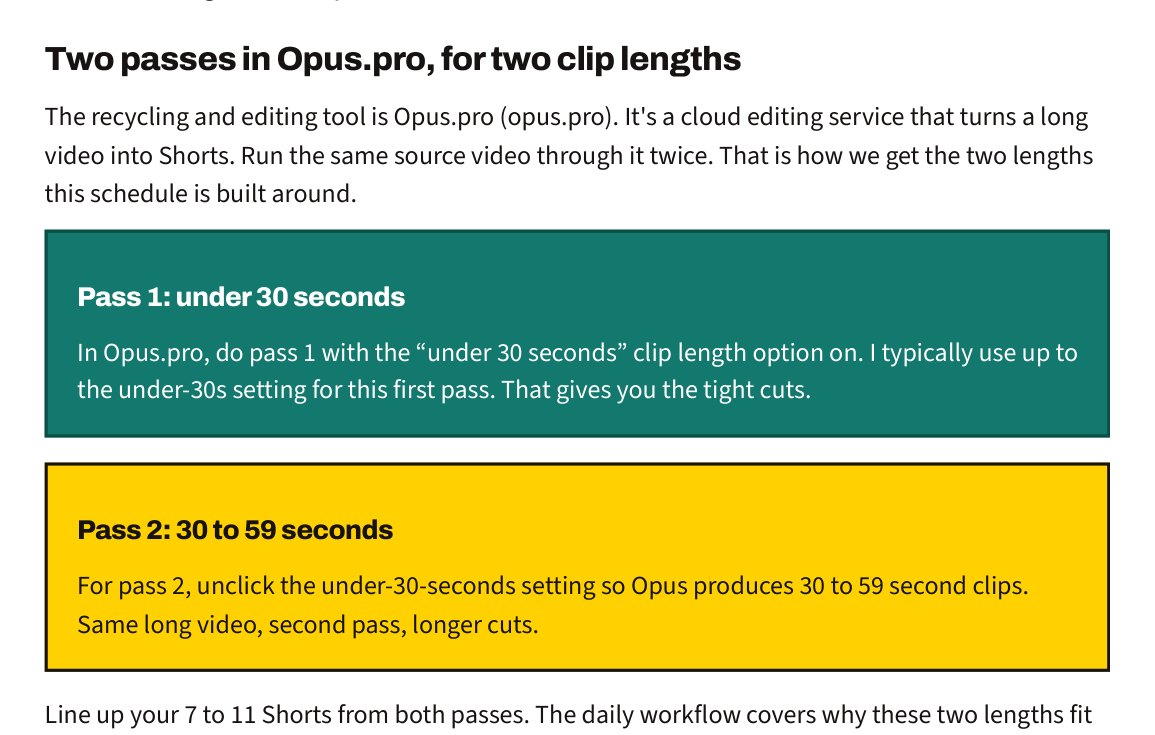
My favorite page: two passes over the same long video for two clip lengths.
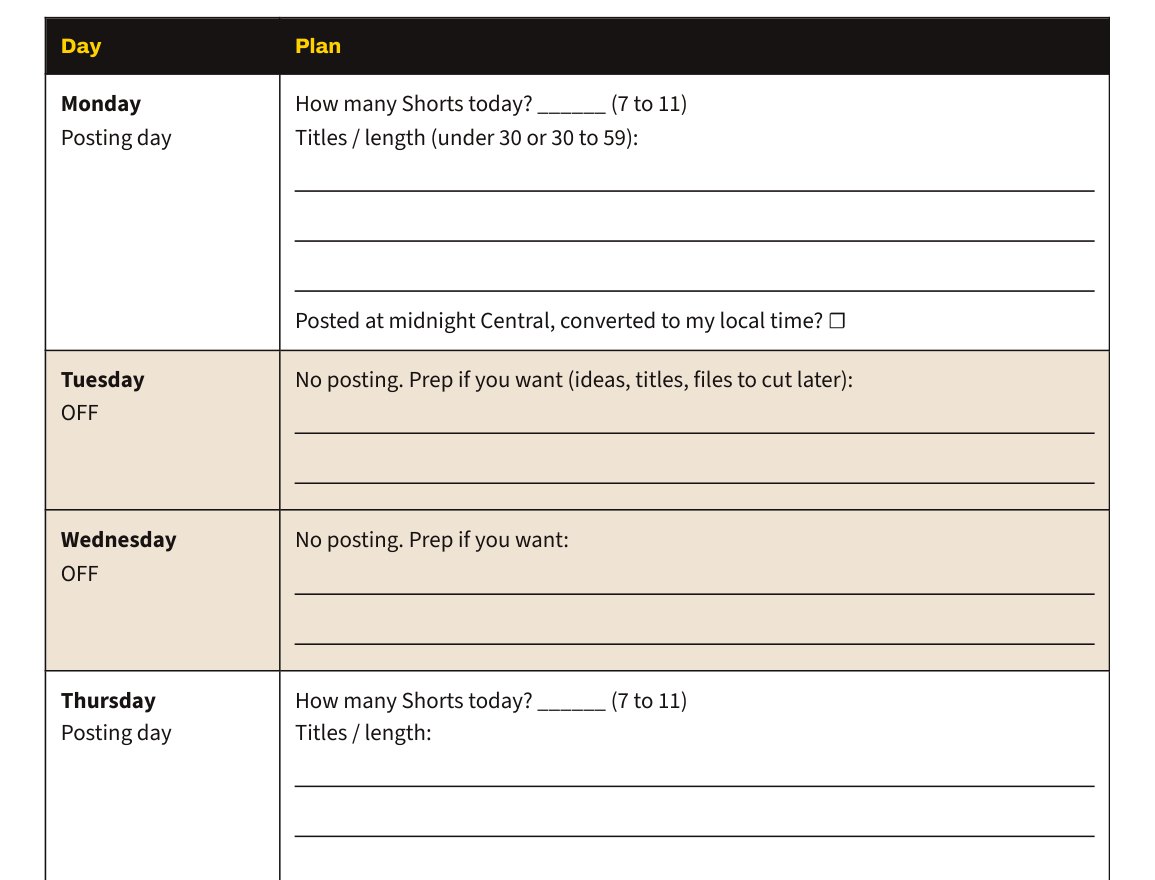
The weekly grid: posting days, off days, titles and lengths.
Two things to know
- It is a plan. 7 to 11 tells you how many Shorts, which days and what time. You still record and cut the Shorts yourself, and the results depend on your clips and your channel. Tim’s numbers in the PDF are his numbers, and Chris says so.
- The tools are separate. The PDF names Opus.pro (a cloud clipping service with credits) and, for gameplay, an HDMI capture device. It is written from a gaming sketch channel, so creators with streams, gameplay or long videos get the closest match.
My 7 to 11 bonuses — for every buyer ($211)
7 to 11 gives you the week: how many Shorts, which days, which window. I built three tools that do the work inside that week: record a talking clip in one take, cut both lengths on your own computer, and get every clip ranked, titled and placed in the grid. Everyone who gets 7 to 11 through this page gets all three.
Shorts Batch Desk New — $97 value
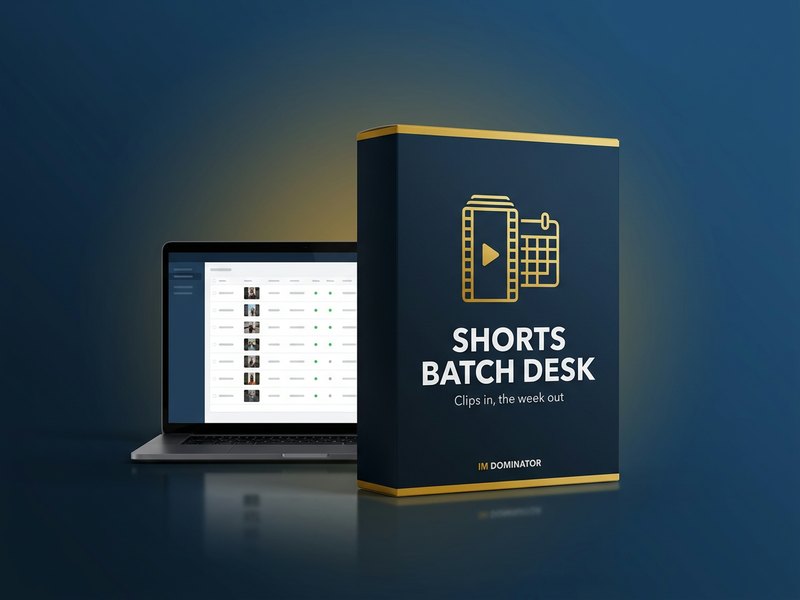
The 7 to 11 grid has a line for every Short you post. Shorts Batch Desk fills it: point it at a folder of clips and it hands back the week, ready to upload.
- Reads your clip folder (Agent Skill) — every clip and its transcript are checked for a hook in the first seconds, repeats and length, so the weak cuts stay off your channel.
- Keepers ranked per posting day — 7 to 11 picks for each posting day, with a mix of under-30 and 30-59 second clips.
- Titles, descriptions and hashtags — three title options per clip in your channel's tone, so the upload window goes to uploading.
- Week CSV in the 7 to 11 grid layout — day, slot, file, title and length in one sheet you can print or hand to the scheduler.
Local Clip Cutter New — $67 value

The 7 to 11 method runs one long video through two passes, short and long. Local Clip Cutter does both passes on your own computer.
- Long video in, vertical clips out (Agent Skill (ffmpeg + Whisper)) — the transcript finds the complete moments and the clips are cut to 9:16 on your machine, with no credits to buy.
- Both 7 to 11 lengths in one run — a folder of under-30 second clips and a folder of 30-59 second clips from the same source.
- Burned-in captions — word-level captions on every clip, so Shorts work with the sound off.
- Hands off to Batch Desk — the clip folder and transcripts go straight into Bonus 1 for titles and the week plan.
One-Take Prompter New — $47 value
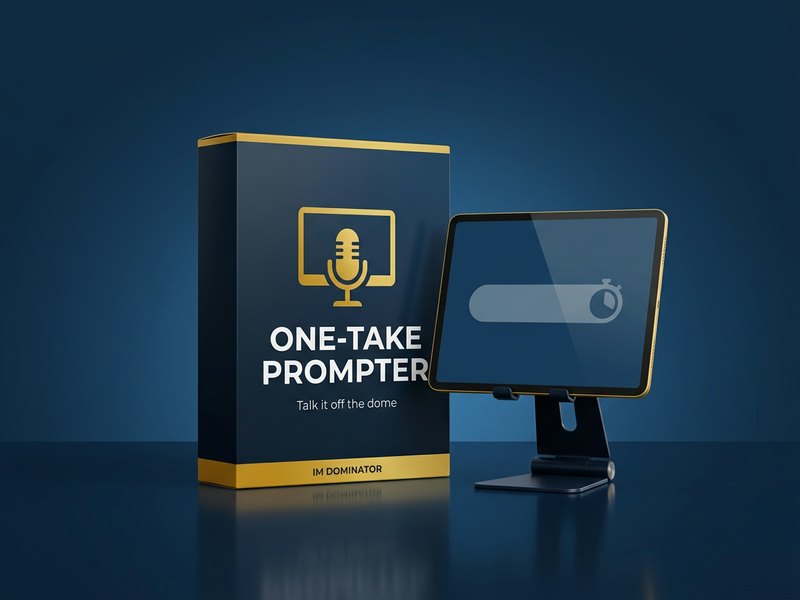
The 7 to 11 sales page talks about recording in one straight take from a few bullets. One-Take Prompter is the screen you look at while you do it.
- One bullet at a time, big (Browser app (works offline)) — paste your bullets, press space for the next one, and keep talking while the camera runs.
- Take markers and timer — a key press marks a good take, and the marker list shows where to cut later.
- Bullet writer prompt — a ready prompt that turns a topic into recording bullets in your own words, for any AI chat.
With any upgrade or All Access — two more bonuses ($274)
Take any 7 to 11 upgrade or the All Access bundle through my link and these two are added: one that uploads your week into the midnight window, and one that turns the routine into a clipping service you sell.
Midnight Autopilot New — $147 value

The 7 to 11 window is midnight Central. Midnight Autopilot puts your Shorts into that window while you sleep.
- Uploads the week to YouTube (Agent Skill (YouTube Data API)) — every clip from the week CSV goes up as private with its title and description.
- Scheduled into the window — each Short gets a publish time spread across the midnight window, converted to your time zone, on posting days only.
- Tuesday and Wednesday stay off — the 7 to 11 rhythm is built in, so the schedule matches the plan you paid for.
- Upload report — a list of every Short with its video link and publish time, to check the week in one glance.
Clipping Service Kit New — $127 value
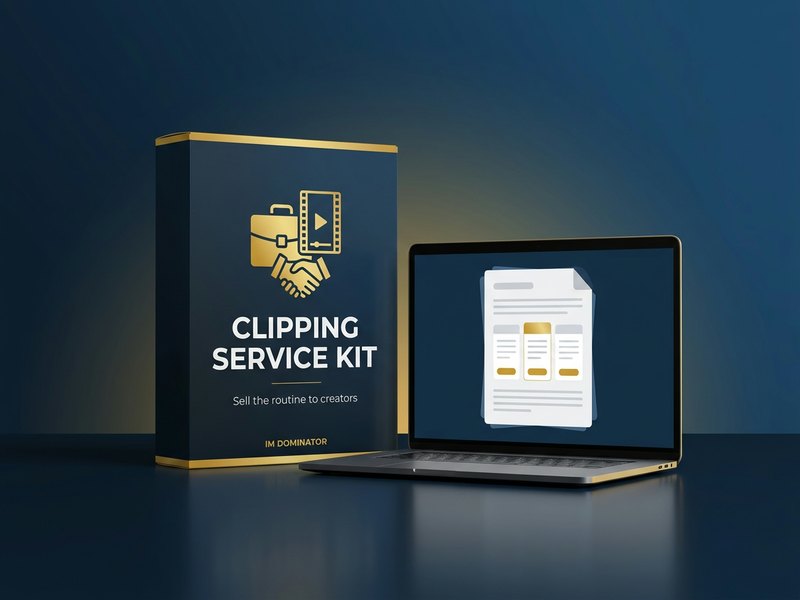
Streamers and podcasters sit on hours of long video. This kit turns the 7 to 11 routine into a service you sell them.
- Service offer with three packages (Templates (DOCX + PDF)) — a one-page offer with package and price fields, ready to send.
- Outreach scripts — first messages for streamers, podcasters and coaches, plus two follow-ups.
- Delivery SOP — the weekly client routine with Bonus 1 to 3 and Midnight Autopilot, step by step.
- Client week report — a template that shows a client what was posted and when.
Upgrade bonus total: $274. Take any 7 to 11 upgrade or the All Access bundle through my link and both are added to your bonus account.
7 to 11 price, upgrades and All Access
The front end is $17 once during the launch, then $27, with a 365-day money-back guarantee through WarriorPlus. Launch window: Tuesday, November 24, 2026, 9:00 AM ET to Monday, November 30, 11:59 PM ET. Every upgrade is optional. All Access bundles everything and skips the upsells.
| Option | What you get | Price |
|---|---|---|
| 7 to 11 Blitz | The 7-page planning template, the members area with a bonus video, the WhatsApp group and a setup call with Chris | $17 launch, then $27 |
| 7 to 11 All Access | Blitz plus Edit Check, Posting Timeframe, Buyer Magnet Method and Daily Workflow, without the upsells | $97 |
| Edit Check (order bump) | What a human edit keeps that an AI edit cuts, editing rules and an AI caption check (PDF) | $17 |
| OTO 1: Posting Timeframe | The burst of distribution after an upload, upload-time testing, the same method on a make-money-online channel, a timing checklist | $27 |
| Buyer Magnet Method (OTO 1 bump) | Three short videos on bonuses and promos, a done-for-you bonus delivery doc template, action steps | $17 |
| OTO 2: Daily Workflow | The posting day in order, the edit rules, the AI tools Chris uses and the Tuesday and Wednesday prep | $47 |
What stands out
- A clear answer: 7 to 11 Shorts on a posting day, framed as a workload target
- Rest days built in: Tuesday and Wednesday off, so the week stays doable
- Two lengths from one video with two Opus.pro passes
- Printable weekly grid and a posting-day checklist
- Honest numbers: Tim’s results shown as his, with the 280-view median
- $17 once, 365-day guarantee, WhatsApp group and a setup call with Chris
Good to know
- A planning template: you record and cut the Shorts yourself
- Opus.pro and a capture device are separate tools
- Written from a gaming sketch channel; other niches adapt the examples
How to claim the bonuses
- Get 7 to 11 through a button on this page. Every button here carries my affiliate ID, which links your purchase to the bonuses.
- Open my bonus page from your WarriorPlus purchase, with your bonus code on it.
- Paste the code on the claim page at imdominator.com/bonus-claim with your email. Your bonus area on IM Dominator unlocks straight away.
- Took an upgrade or All Access? Its bonus page gives you a second code that unlocks the upgrade bonuses in the same account. Lost it? Email me your WarriorPlus receipt ID and I’ll send it within 24–48 hours.
Questions about YouTube Shorts schedules and 7 to 11
How many YouTube Shorts should I post a day?
7 to 11 says 7 to 11 Shorts on a posting day, framed as a workload target: seven is a full day, eleven is the top of the range. It pairs that with five posting days and two off days. It is the schedule from Tim's channel, so treat it as a starting point and track what works on yours.
What is the best time to post YouTube Shorts?
The plan uses midnight Central time, the window Chris and Tim post in, and the PDF gives you fields to convert it to your time zone. The Posting Timeframe upgrade covers their upload-time testing. Your own audience may differ, so test your window.
How long should YouTube Shorts be?
The plan uses both lengths. Run the same long video through Opus.pro twice: once with the under-30-seconds setting, once without it for clips from 30 to 59 seconds.
What is in 7 to 11?
A 7-page PDF planning template (threshold, upload window, week, source recording, two Opus.pro passes, weekly grid, posting-day checklist), a members area with a bonus video, and a WhatsApp group where you can book a Zoom setup call with Chris.
Does 7 to 11 make the Shorts for me?
No. It is a planning PDF. You record and cut the Shorts yourself. My bonus tools help with recording in one take, cutting both lengths on your own computer and ranking and titling the week.
My YouTube Shorts are not getting views. Will this fix it?
No plan can promise views, and Chris makes no such promise either. 7 to 11 fixes the rhythm: a steady number of Shorts on fixed days and a fixed time. For the first seconds of each Short, grab my free Shorts Hook Swap with 12 opening lines.
What does 7 to 11 cost?
$17 once during the launch, then $27, with a 365-day money-back guarantee. All Access is $97. Optional upgrades: Edit Check ($17), Posting Timeframe ($27), Buyer Magnet Method ($17) and Daily Workflow ($47). The launch runs from November 24, 2026, 9:00 AM ET to November 30, 11:59 PM ET.
What are the bonuses?
Everyone who buys through this page gets Shorts Batch Desk, Local Clip Cutter and One-Take Prompter. With any upgrade or All Access you also get Midnight Autopilot and the Clipping Service Kit.
How do I claim the bonuses?
Buy through a button on this page. Your WarriorPlus purchase links my bonus page with your code. Enter the code with your email at imdominator.com/bonus-claim. An upgrade gives you a second code for the upgrade bonuses.
Bottom line
7 to 11 is for you if you have streams, gameplay or long videos and post Shorts whenever you remember. It gives you a number, the days, the window and a grid, from $17 during the launch with a 365-day guarantee. You bring the footage and the cutting. My bonuses help you record in one take, cut both lengths for free on your own computer and rank and title the week, and with any upgrade, schedule the week into the midnight window.