BookBloom Review: How to Promote KDP Books on Pinterest, 30 Days of Pins From One Amazon Link
Your book is live on Amazon, and the promotion stalled after one pin. BookBloom by Demetris Papadopoulos turns the Amazon link of your book into a 30-day Pinterest campaign: pin artwork with your real cover, titles and descriptions, a landing page and a dated calendar. I ran it on a real cookbook and had twelve finished pins in about four minutes. It costs $17 once, and my bonuses take care of what happens after the click.
Short version: BookBloom does the month of preparation most authors never get around to. One link in, and you hold twelve pins with your real cover, a calendar for thirty days and one upload file for Pinterest. The pins looked better than I expected, and every section comes with a step-by-step walkthrough. You bring your own AI key and you publish the pins yourself, so plan a few minutes a day. For a published book with no promotion behind it, $17 is an easy yes.
What I found inside: how BookBloom promotes a KDP book on Pinterest
I tested BookBloom with a review account and the vendor’s own example book, The Ultimate Popcorn Recipe Book. Everything below is from that run.
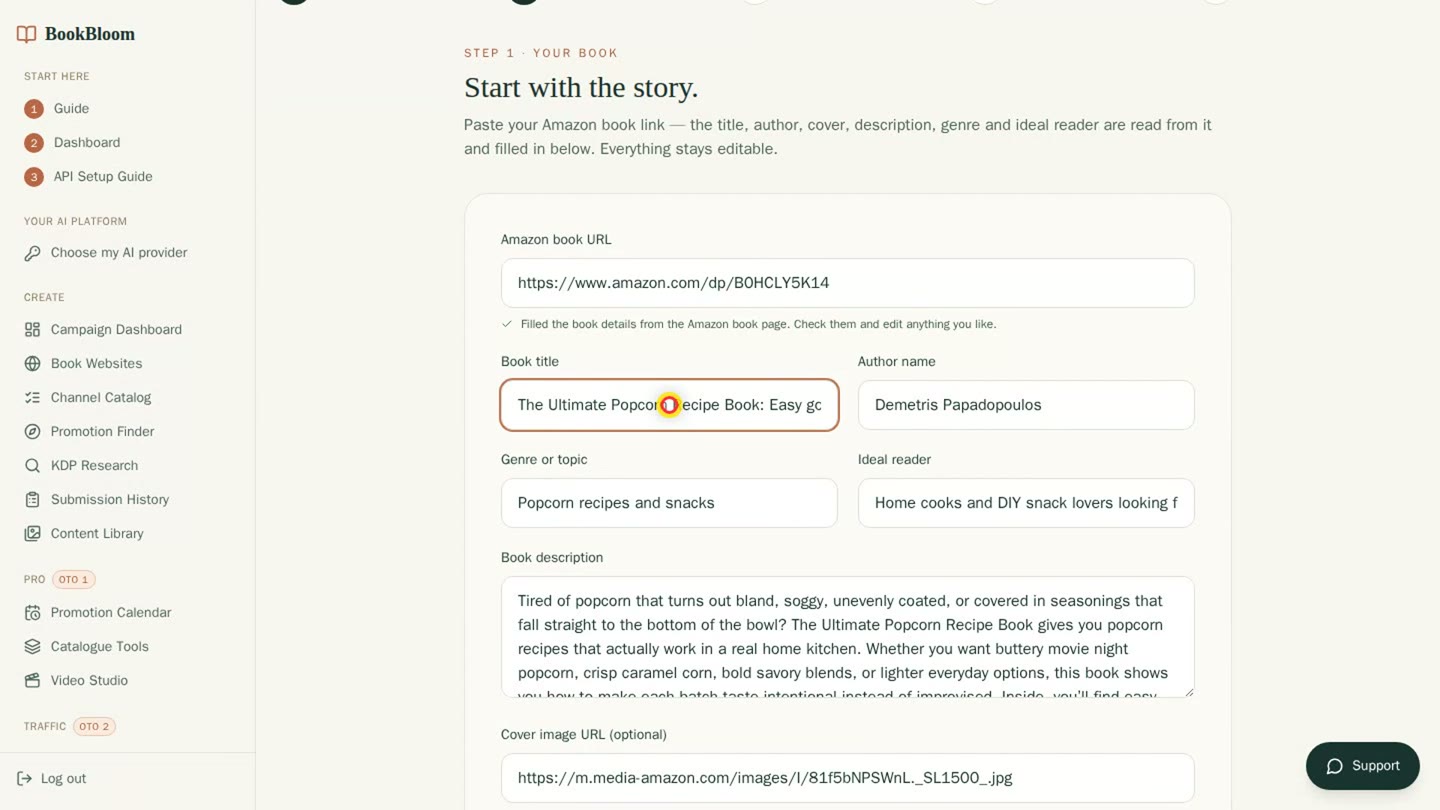
The wizard after the paste: title, author, genre, ideal reader and cover are filled in.
- New campaign wizard. I pasted the Amazon link. A few seconds later the title, the author, the genre, the ideal reader and the cover were filled in, and every field stayed editable. You pick one or three pins a day, and the form shows the image cost for the full plan up front.
- Promotional ideas from your book. I pasted the book description and BookBloom returned twelve ideas, for example “Build a seasoning stash for faster snack nights”. The ideas you approve become the hooks on your pins. Give it a few real chapters; better material makes better pins.
- Pin Style Studio and the pin set. Each style is previewed with your real cover at the size a reader scrolls past. I kept three styles. One click started the artwork: twelve pins in about four minutes, estimated at $0.64 on my OpenAI key. Change a line on a pin and it is redrawn over the same background at no extra image cost.
- Pinning calendar and the Pinterest file. Day 1 to day 30, each with its pin, title and description. Export Pinterest CSV gives you one file in Pinterest’s bulk upload format; you upload it in your own account and Pinterest schedules the pins from the dates in the file.
- Book landing page and results. Every pin points to one page for the book: cover, description, one button to Amazon, live at a BookBloom address from the start. The results list page views and store clicks for each pin. BookBloom counts a click as a click and makes no sales claims.
- Extras in the front end. The Promotion Finder matches your book with promotion programs, the Channel Catalog lists free places to promote a book, and KDP Research compares your book with others in the genre.
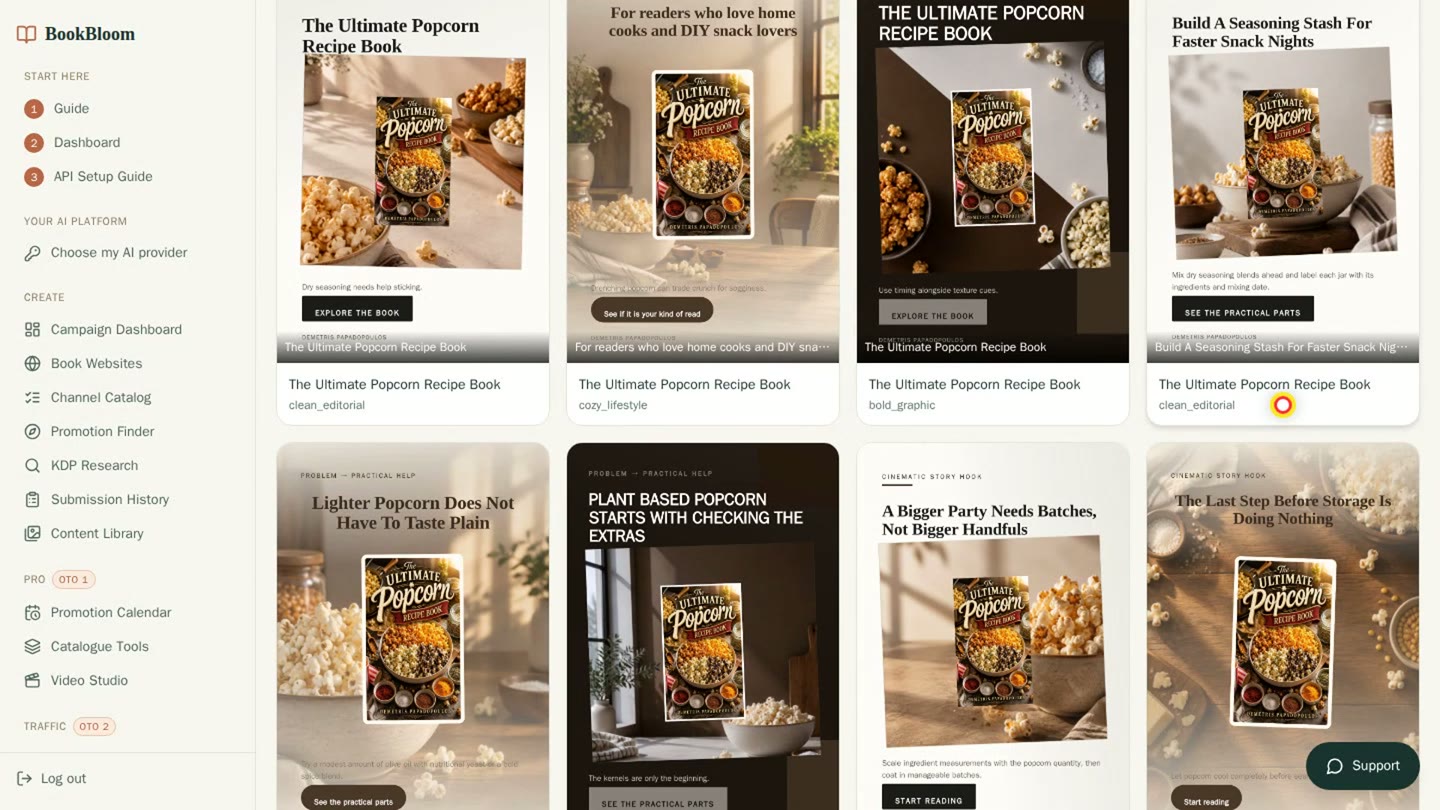
The twelve finished pins: three looks, the real cover on every one.
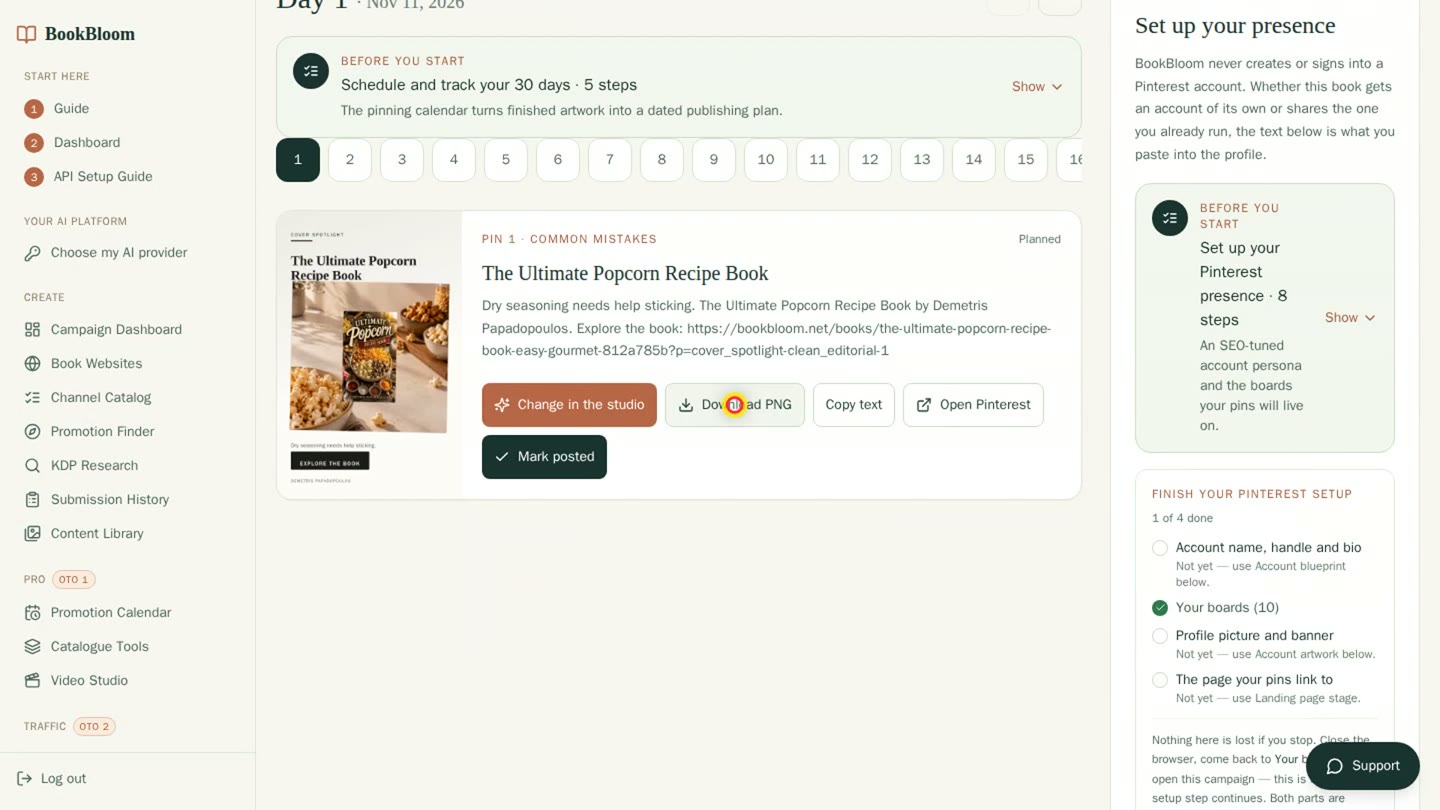
The pinning calendar: each day holds its pin with Download PNG, Copy text and Mark posted.
Two things to know
- You bring your own AI key. The images run on a key from Google Gemini, OpenAI or xAI Grok with API billing switched on; the app states about 2 to 5 cents per image. A chat subscription such as ChatGPT Plus is a separate product. You also need a free Pinterest business account.
- Publishing stays in your hands. BookBloom prepares the month, and you upload one file to Pinterest. Look at every pin before it goes out: on a few of mine the small supporting line was hard to read against the photo, so I would shorten that line or switch the style.
My BookBloom bonuses — for every buyer ($438)
BookBloom brings the click. These bonuses make the click count: a book page that is ready for visitors, reviews on it, a deal worth pinning, and a second channel from the same book. Everyone who gets BookBloom through this page gets all three packages, built for this launch.
Book Page Doctor New — $197 value
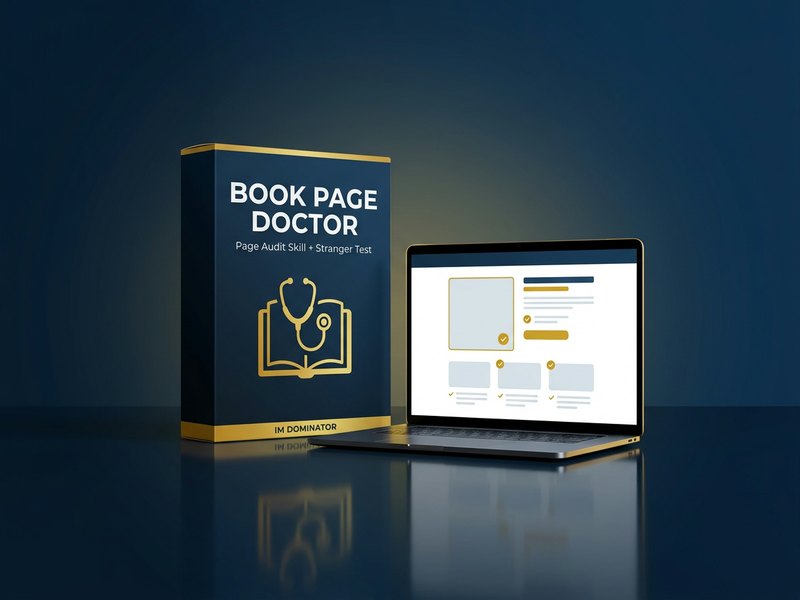
Every pin ends on your Amazon page. This skill checks that page the way a stranger sees it and hands you the fixes.
- A finding for every part a shopper sees (Agent Skill) — title and subtitle, cover at thumbnail size, the blurb lines above “Read more”, price, reviews and categories, next to up to three competing books.
- A fix list ordered by effort — 15-minute fixes first, then the afternoon jobs, then the bigger ones, so you know what to change before more visitors arrive.
- Three rewritten blurbs — hook first, reader promise and voice first, in the HTML the KDP description field accepts and inside its 4,000-character limit.
- The Stranger Test (Offline web app) — your cover on one shelf image with up to eight competing covers; readers pick the book they would click, and the skill reads the votes into its cover finding.
The Proof & Deal Kit — $144 value
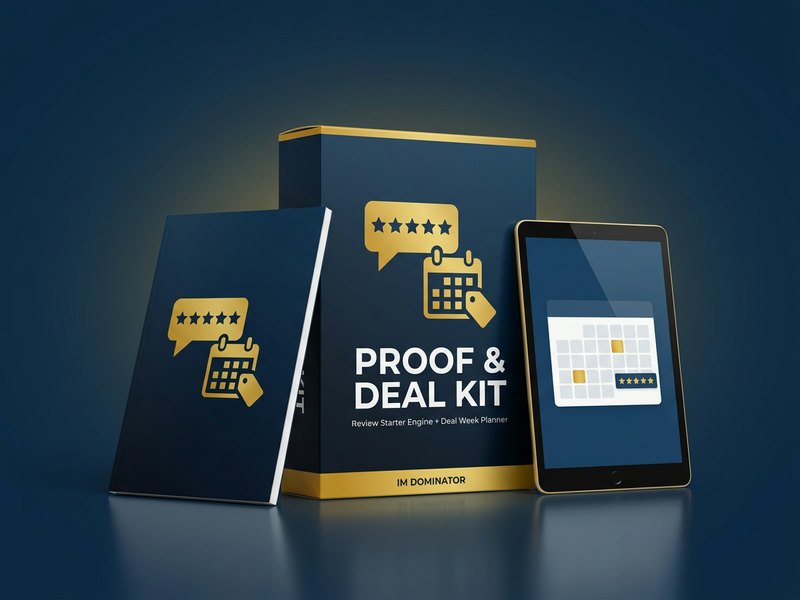
A visitor looks for two things before buying: what other readers said, and a reason to buy today. One tool for each.
- Review Starter Engine New (Offline web app) — your advance-reader sign-up page, five emails with send dates, a back-of-book review page with a QR code and a reader list, worded the way the KDP review rules allow: a free copy, a review welcome, never required and never rewarded.
- Deal Week Planner New (Offline web app) — a Kindle Countdown Deal or free days placed inside your pin month, the dates checked against the KDP Select rules, every task on its day, and the deal pins written for your campaign.
The Book-to-Video Kit New — $97 value
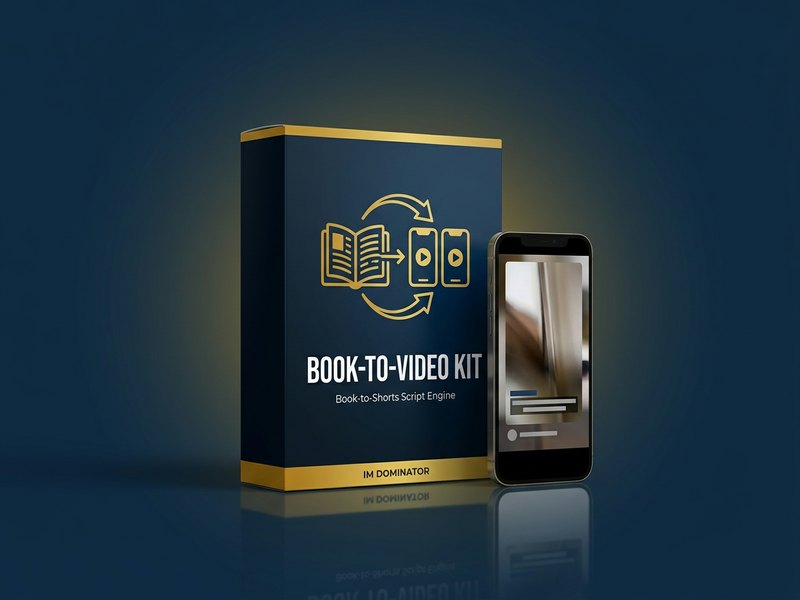
Your book already holds a month of short videos. The Book-to-Shorts Script Engine pulls them out, so Reels, Shorts and TikTok run next to your pins.
- Thirty scripts in six formats (Agent Skill) — first line, quote, “if you loved”, one tip or one moment, behind the book and reader question, from your blurb and a sample chapter.
- Hook, scenes and caption for every script — an on-screen hook for the first two seconds, three to six spoken scenes and a caption with three hashtags.
- A 30-day plan — one script a day, never the same format twice in a row, matched to your pin ideas when you paste them.
Take any upgrade — three more bonuses ($371)
Optional. Any upgrade after the BookBloom checkout counts: Pro, Traffic, Reader Builder, Amazon Ads, Agency or the bundle. My pick if you have more than one book: Pro. According to the sales page it raises the limit to twenty books, adds five pins a day and next-month campaigns, and publishes your book pages to your own Netlify account in one click. Two of the upgrade bonuses turn your book into finished videos, the third into a shareable quiz.
Shorts Video Maker New — $147 value
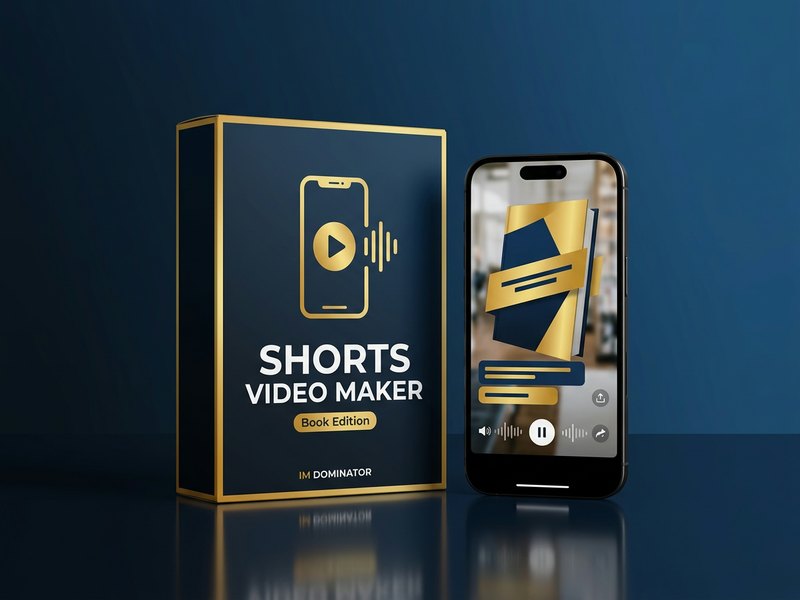
The scripts from Package 3 become finished vertical videos for Reels, Shorts and TikTok, with your voice-over and your cover.
- Text, background and voice-over (Agent Skill) — on-screen text over your book cover or one background image, with a free offline AI voice.
- A picture for every scene — connect an image API key and every beat of the script gets its own picture with the text on top; the cost is shown before anything is created.
- A month in one run — takes the Book-to-Shorts scripts as they are and renders all thirty, ready to upload.
Chapter One Theater New — $97 value
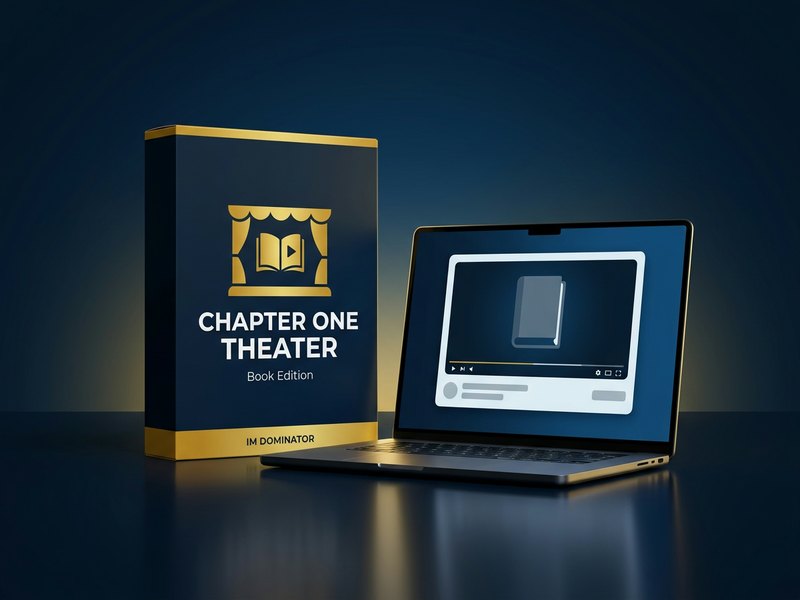
Your first chapter, or the core idea of a guide, becomes a narrated YouTube video with your cover, captions and chapter markers.
- Story video or five ideas from the book (Agent Skill) — fiction is told as a story before the spoiler line, a guide becomes five ideas the viewer can use.
- YouTube title, description and tags — written with the link to your book in the first lines.
- One more place readers find you — a long video that keeps working on YouTube next to your pins and shorts.
Book Quiz Builder New — $127 value
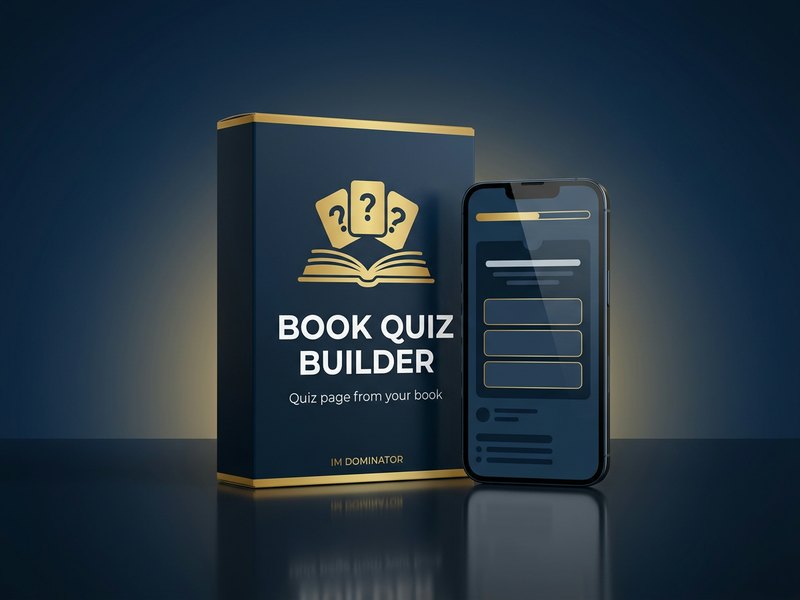
Turns your book into a shareable quiz page that ends on a link to your book.
- A quiz from your own book (Agent Skill) — “Which character are you?” for a novel, “Which recipe tonight?” for a cookbook, “Which habit first?” for a guide.
- Questions, results and a balance check — every result can be reached and none wins nearly every time.
- One HTML file — four themes, your cover, no accounts: upload it next to your book website and pin it like any other page.
Upgrade bonus total: $371. Take any BookBloom upgrade through my link and all three are added to your bonus account.
Start with BookBloom →Upgrades are offered after checkout, so you don’t need to decide now.
BookBloom price and upgrades
The front end is $17, one payment, no monthly fee. Launch window: Friday, November 13, 2026, 10:00 AM EST to Wednesday, November 18, 1:00 AM EST. Every upgrade is a one-time payment, offered once after checkout.
| Option | What you get | Price |
|---|---|---|
| BookBloom | 30-day Pinterest campaigns for up to ten books: pin artwork on your own AI key, hosted book page, calendar and CSV export, click results per pin, Promotion Finder, Channel Catalog, KDP Research | $17 once |
| Pro | 20 books and 20 websites, batch workflows, premium editable layouts, brand presets, next-month campaigns, Video Studio, one-click Netlify publishing, five pins a day | $37 |
| Traffic | Traffic Navigator (channels that fit one book, seven-day plan) and Traffic Studio (ad remixes, carousels, platform copy, video pins) | $47 |
| Reader Builder | companion-bonus creator, opt-in pages, bonus delivery, email sequences, subscriber export | $37 |
| Amazon Ads | campaign structure, keywords and product targets with starting bids, negatives, break-even cost per click, bulk file for Amazon | $47 |
| Agency | 30 books and 30 websites, client records, onboarding and approval links, proposal generator, monthly client reports, permission to sell | $97 |
| VIP bundle | Pro, Traffic, Reader Builder, Amazon Ads and Agency in one purchase | $197 |
What stands out
- One link fills the form: title, author, genre, reader and cover
- Your real cover on every pin, the AI draws only the background
- Twelve pins in about four minutes in my test
- One upload file schedules the month on Pinterest
- A link and click results for each pin
- $17 once, up to ten books
Good to know
- The images need your own AI key with API billing, a few cents per image
- You upload and publish the pins yourself, from a free Pinterest business account
- The 30-day guarantee asks you to set up and use your first campaign before a refund request
How to claim the bonuses
- Get BookBloom through a button on this page. Every button here carries my affiliate ID, which links your purchase to the bonuses.
- You land on my bonus page right after checkout, with your bonus code on it.
- Paste the code on the claim page with your email. Your bonus area on IM Dominator unlocks straight away.
- Took an upgrade? Its bonus page gives you a code that unlocks the front-end bonuses too, in the same account.
Questions about Pinterest for authors and BookBloom
What is BookBloom?
BookBloom is a web app by Demetris Papadopoulos, an author who publishes his own books on Amazon. You paste the Amazon link of your book and it builds a 30-day Pinterest campaign around it: pin artwork with your real cover, pin titles and descriptions, a landing page for the book and a dated pinning calendar. The front end covers up to ten books.
How do you promote KDP books on Pinterest with it?
You create one campaign per book. BookBloom finds promotional ideas in your book description, you approve the ones you like, pick three to five pin styles and let it create the pins. Then you export one file in Pinterest’s bulk upload format and upload it in your own Pinterest business account. Pinterest schedules the pins from the dates in the file.
How much does BookBloom cost?
$17, one payment, no monthly fee. After checkout you see optional upgrades: Pro ($37), Traffic ($47), Reader Builder ($37), Amazon Ads ($47) and Agency ($97), or all five as a bundle ($197). The launch window runs from Friday, November 13, 2026, 10:00 AM EST to Wednesday, November 18, 1:00 AM EST.
Does BookBloom post the pins for me?
No. It prepares the month: artwork, texts, dates and the upload file. You upload that file in your own Pinterest account, which takes a few minutes, and publishing stays in your hands.
What does the AI artwork cost?
The images run on your own AI key from Google Gemini, OpenAI or xAI Grok, so you need API billing at that provider; a chat subscription such as ChatGPT Plus is a separate product. The app states about 2 to 5 cents per image. My twelve pins were estimated at $0.64 on an OpenAI key.
Do I need design skills?
No. Your real cover goes onto every pin as it is, and the AI draws the background behind it. You pick from styles that are previewed with your own cover.
What are the bonuses?
Everyone who gets BookBloom through this page gets three packages: Book Page Doctor with the Stranger Test, the Proof & Deal Kit (Review Starter Engine and Deal Week Planner) and the Book-to-Video Kit with the Book-to-Shorts Script Engine. With any upgrade you also get Shorts Video Maker, Chapter One Theater and Book Quiz Builder.
How do I claim the bonuses?
Get BookBloom through a button on this page. After checkout you land on my bonus page with your bonus code. Paste it on the IM Dominator claim page with your email and your bonus area unlocks straight away. Upgrade buyers get their own code, which unlocks the front-end bonuses too.
Bottom line
BookBloom is for you if your book is live on Amazon and nobody is sending readers to it. One link becomes a month of pins, a page and a calendar, for $17 once. My bonuses cover the rest of the way: a book page that is ready for visitors, first reviews asked for the right way, a deal to pin, and short videos from the same book.
Not ready yet? Grab my 12 pin headlines for your book, free →