EverPitch Review: How to Create an Automated Webinar With AI, From One Prompt to a Live Room
You know your topic, and the webinar still is not made, because script, slides and recording each take a weekend. EverPitch by Todd Gross and his team builds the script, the slides and the voice from a prompt and runs the webinar as an evergreen session. I tested it with one prompt and had 36 voiced slides in about five and a half minutes. It starts at $37 once. My pick is the Bundle: it adds ten finished webinars, client rights and 8,000 credits a month, and unlocks all five of my bonus kits.
My full test in under 7 minutes: one prompt, the build, a slide fixed by asking, and the spoken answer in the live room.
Short version: EverPitch takes the three jobs that keep most webinars unmade, the script, the slides and the recording, and does them from one prompt. My test webinar followed my outline, the slide fix worked in one request, and the spoken answer in the live room was the part that surprised me most. Read the script once before you go live, because the AI writes like a presenter and adds its own examples. For a coach, course creator or affiliate who wants an automated webinar, it is an easy recommendation, and my pick is the Bundle.
What I found inside: how to create an automated webinar with EverPitch
I tested EverPitch with a review account on Sunday, November 15, 2026. My prompt asked for a 15-minute webinar for part-time affiliate marketers. Everything below is from that run.
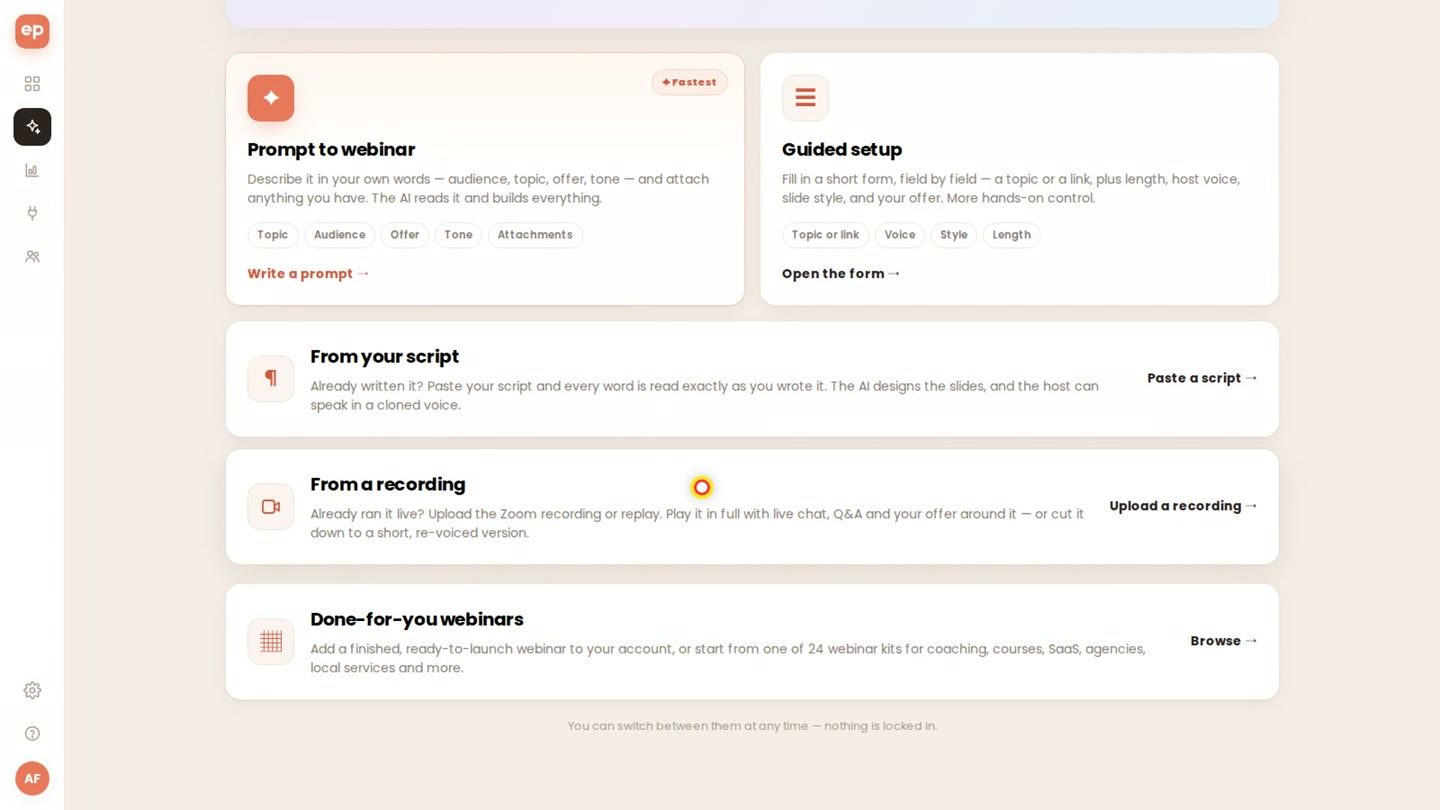
Five ways to start: prompt, guided setup, your own script, a recording, or done-for-you webinars.
- Prompt to webinar. I described the audience, the three steps to teach, the tone and my offer in 829 characters and set the length to 15 minutes. Voice and slide style stayed on “Let the AI choose”; twelve slide styles are there if you want to pick.
- The build. One click on “Create everything”. The title and all 36 slides were there after about three minutes, and the whole webinar was voiced and ready after about five and a half. You can set up the schedule and the offer while it builds.
- The studio. The deck followed my three steps, with a hook, a poll on slide eleven and my offer at the end. The Script tab shows what the host says on every slide, editable line by line, with quick rewrites such as Punchier, Shorter and Add a hook.
- Fix a slide by asking. Slide fourteen showed benchmark numbers the AI had added on its own. I told the AI tab to turn it into a checklist with no thresholds, and seconds later the slide and its spoken script were new. Re-voice brings the audio up to date.
- The registration page. EverPitch writes it for you: headline, “starts when you join”, length, a slide preview and a FAQ, with a footer line that says an AI presenter hosts the session.
- The live room. Captions, chat, polls, a handout and an offer button, on one shared clock. Simulated attendees carry a SIM label. With answers set to “Right away” I asked a question, and about thirty seconds later the host answered out loud, by name, with its own answer slide.
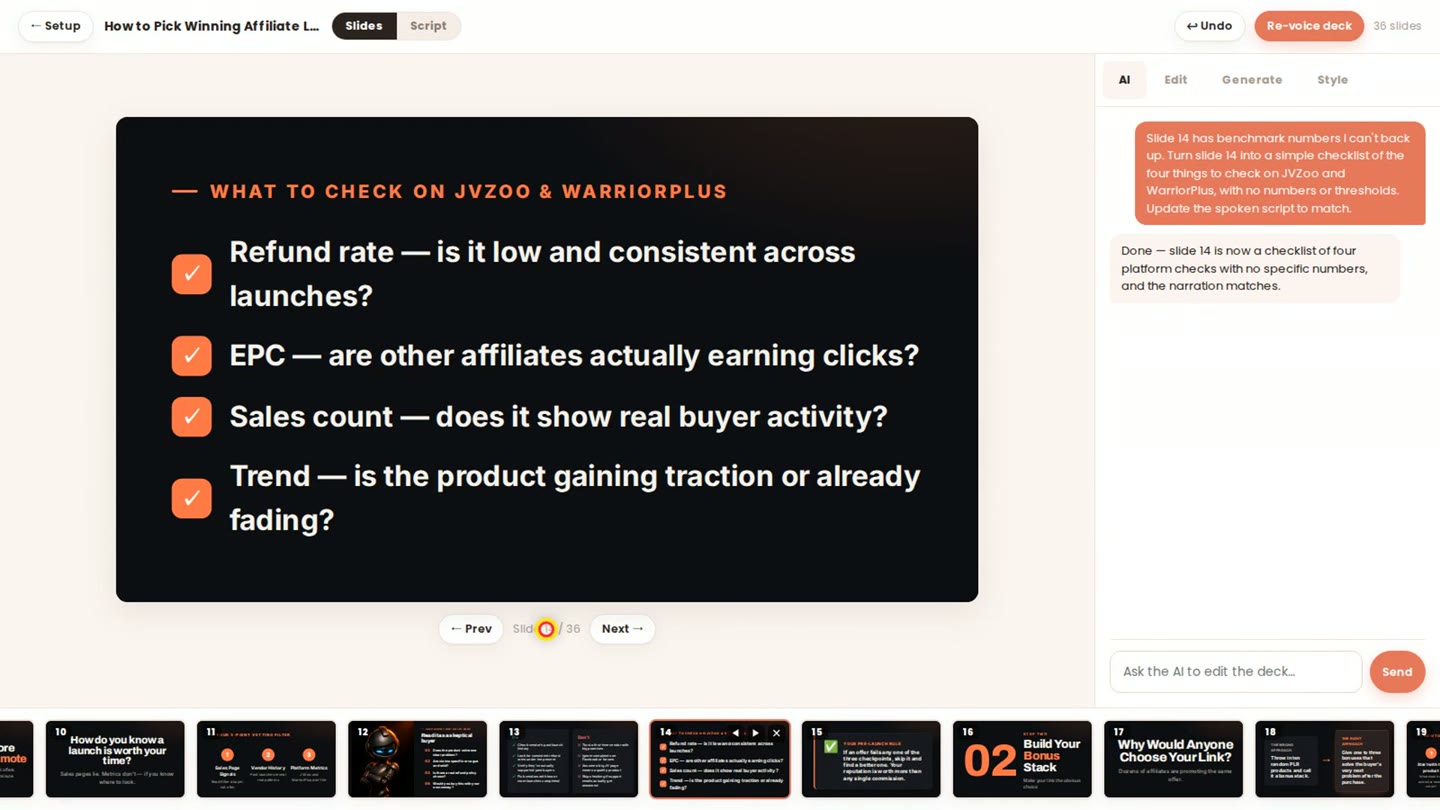
One request in the AI tab: the slide with made-up numbers is now a checklist.
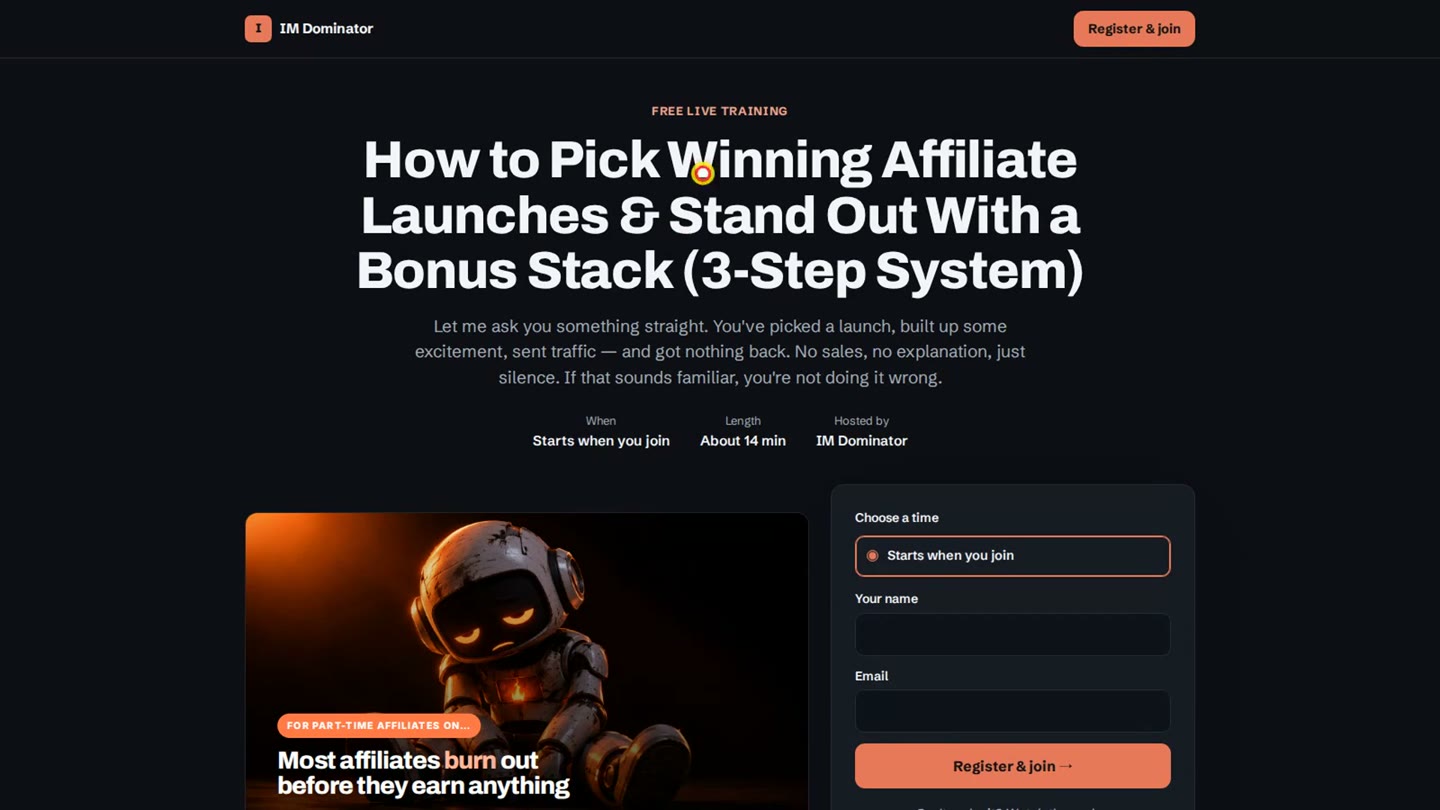
The registration page EverPitch wrote for my test webinar.
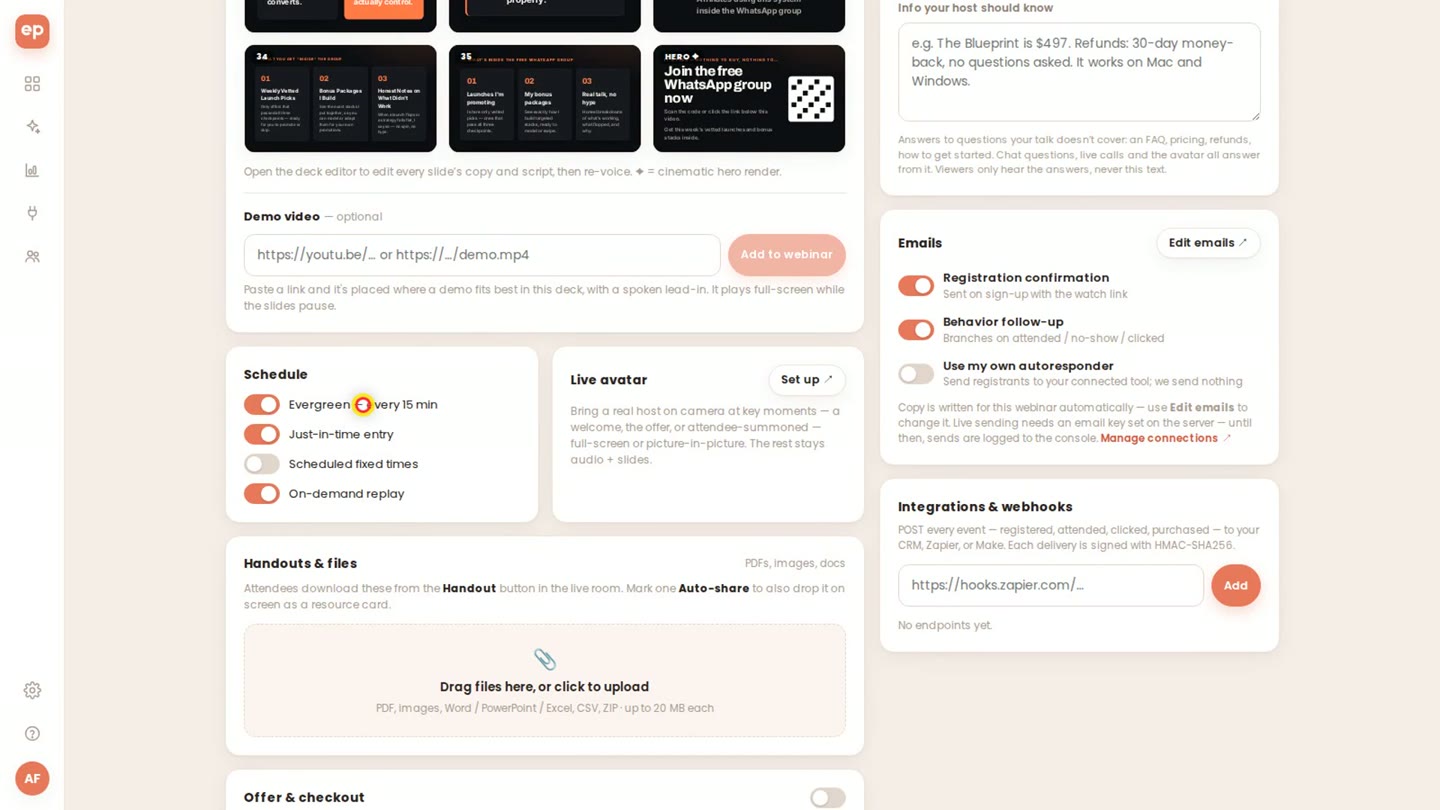
The setup page: schedule, emails, handouts, offer button, affiliates, languages and webhooks.
Two things to know
- You stay the editor. The AI writes like a presenter, with stories and example numbers. In my test it added testimonials and benchmark figures I never gave it, even with “no income claims” in the prompt. Read the Script tab once and replace anything you can’t back up; one request in the AI tab fixes a slide.
- Credits and plans. A finished minute costs 40 credits, so a 15-minute webinar uses about 600 of the 3,000 monthly credits in the front end. The on-camera host, the avatar Q&A, live streaming and MP4 export belong to the yearly Ultra upgrade or the Gold and Platinum plans. My review account is Platinum.
My EverPitch bonuses — for every buyer ($344)
EverPitch builds and runs the webinar. These bonuses handle the two jobs around it: a script that sells with nothing made up in it, and people in the room. Everyone who gets EverPitch through this page gets both packages, built for this launch.
The Selling Script Kit New — $197 value
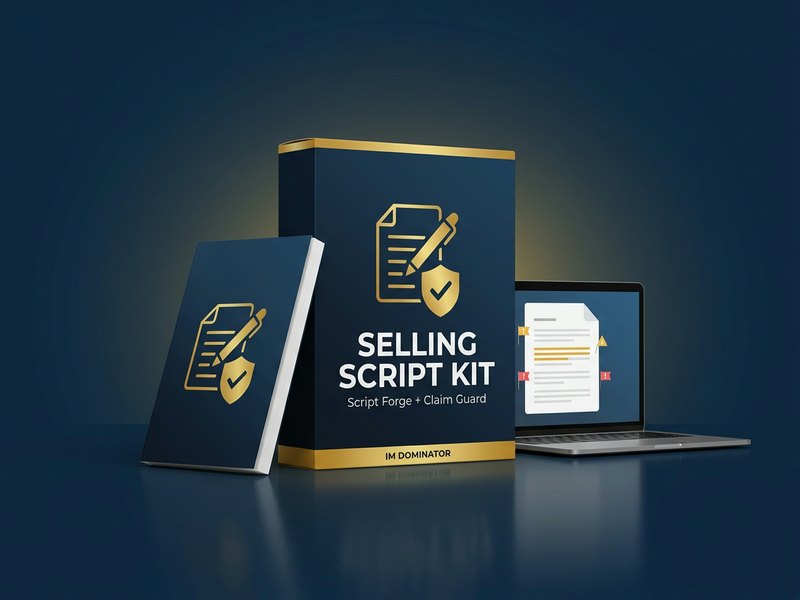
EverPitch reads your script word for word when you choose “From your script”. This kit writes that script, and checks any AI-written one before your audience hears it.
- Webinar Script Forge New (Agent Skill) — a teach-then-pitch webinar script from your sales page or offer notes, with price anchor, bonus stack, guarantee and calls to action, formatted to paste into EverPitch.
- Every word is yours — the script holds only the facts you give it, so the voice in your webinar says what you can stand behind.
- Webinar Claim Guard New (Offline web app) — paste the script from the Script tab and every invented testimonial, number, income or result claim is flagged slide by slide.
- A fix request for each flag — a ready-made instruction to paste into the Slide Studio AI, so a flagged slide is fixed in one request.
The Registration Booster Kit New — $147 value
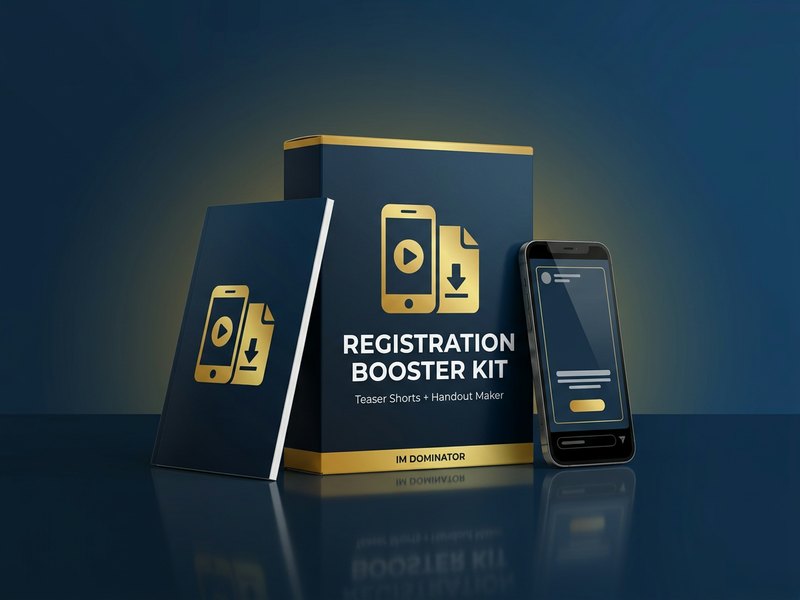
EverPitch hands you a registration link. These two tools bring people to it and give them a reason to show up.
- Registration Teaser Shorts New (Agent Skill + browser renderer) — ten vertical teaser videos from your webinar script, each with a hook from one slide and a call to your registration link, rendered as MP4 with captions.
- Ready for Reels, Shorts and TikTok — a first traffic source pointing at your webinar from the day it goes live.
- Webinar Handout Maker New (Agent Skill) — a branded handout PDF built from your script, sized for the EverPitch Handouts slot and the sign-up email.
- A takeaway that carries your offer — attendees keep the key steps and your link after the session ends.
With the Bundle or any upgrade — three more bonuses ($471)
The Bundle counts as an upgrade, so Bundle buyers get all five kits. After the front end, any upgrade counts too: DFY Webinars, Kit Vault, Agency or Ultra. If you start with the front end and build webinars for clients, take Agency: according to the sales page it removes the “Powered by EverPitch” branding and gives each client webinar its own logo, list and checkout. One upgrade bonus finds those clients, one brings paid traffic, and one gives you a webinar in your own voice.
Webinar Agency Client Kit New — $197 value
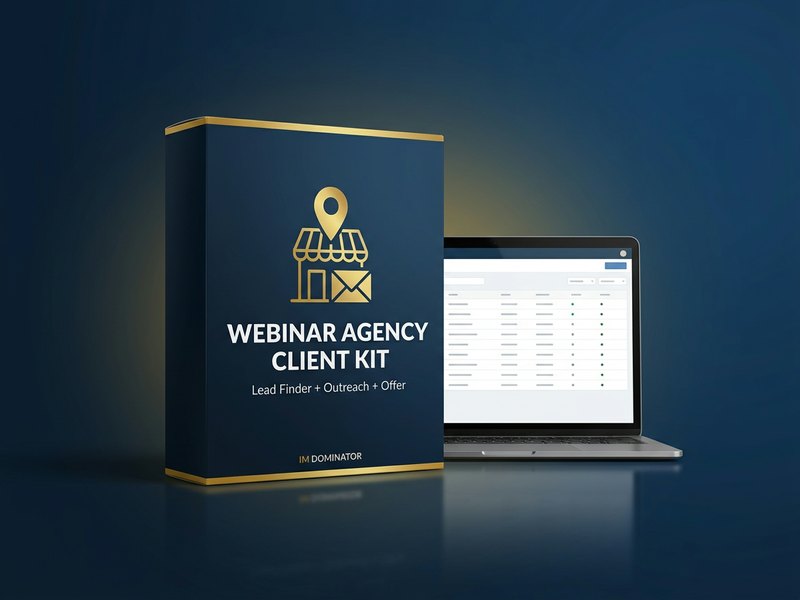
The Agency upgrade lets you run webinars for clients. This kit finds the clients and gives you the offer to send them.
- Local lead finder (Agent Skill) — a city and a niche in, a list of businesses that sell high-ticket services or run events out, each with the reason they fit.
- Outreach per lead — a personal first email for every business on the list, written from what the agent found.
- Service offer and intake form — a one-page offer with package and pricing fields, and a client intake form that collects what you need to build their webinar.
Webinar Ads Launch Kit New — $127 value
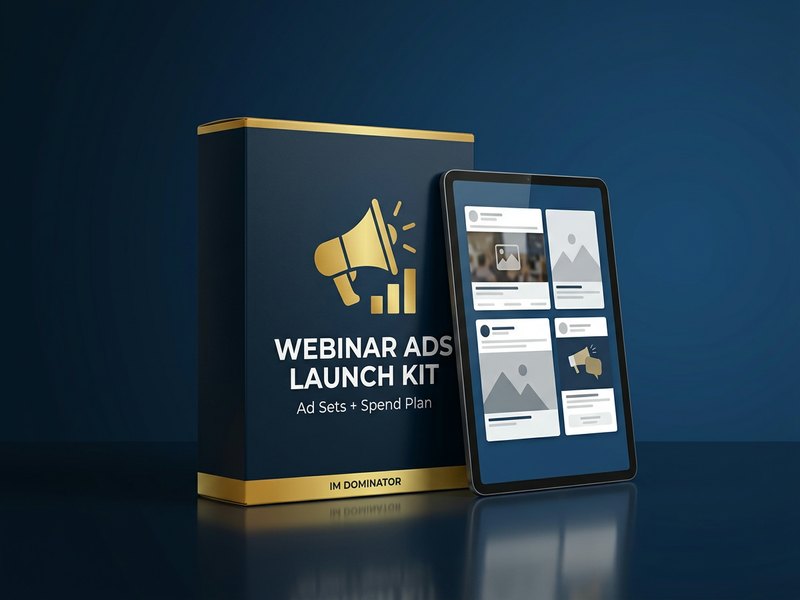
Turns your webinar into paid traffic for the registration page.
- Ad sets from your script (Agent Skill) — hooks, primary texts, headlines and image prompts for Facebook and YouTube ads, all pointing at your registration link.
- A spend plan — budget split per day with most of it in the last two days before a session, when sign-ups show up best.
- Tracking checklist — the events to watch from ad click to registration to offer click, matched to EverPitch analytics.
Own Voice Webinar Studio New — $147 value
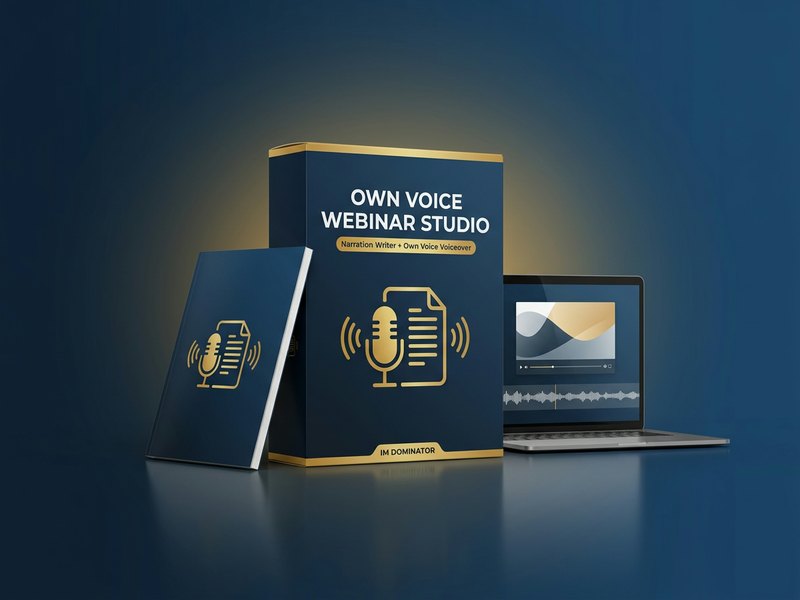
Two skills for a webinar in your own words and your own voice: one writes the narration, the other turns it into your voiceover. The finished recording goes into EverPitch through “From a recording”.
- Webinar Narration Writer New (Agent Skill) — a spoken script slide by slide from your topic, offer and slides, written for the ear, with a time estimate per slide and the facts you supplied.
- Own Voice Voiceover New (Agent Skill) — your narration as audio in your own cloned voice from a short sample, or in a free offline voice, one file per slide plus the full track.
- Slides plus voice as one video — the skill lays your audio over your slide images and saves an MP4 ready for EverPitch’s “From a recording” path.
- Your voice, your consent — it clones only a voice you own or have written permission to use, and says so in every project file.
Upgrade bonus total: $471. Take any EverPitch upgrade or the Bundle through my link and all three are added to your bonus account.
Get the Bundle →It counts as an upgrade, so all five kits come with it.
Front end or Bundle? My pick: the Bundle
Both offers on this page carry my affiliate ID, so both unlock my bonuses. Here is the difference.
| Front end | Bundle | |
|---|---|---|
| Price | $37 once | $197 once early in the launch, then $227; no renewal |
| Credits a month | 3,000 (about 75 finished minutes) | 8,000 (about 200 finished minutes) |
| DFY Webinars: 10 finished, voiced webinars | upgrade, $67 | included |
| Kit Vault: 24 webinar kits in 23 niches | upgrade, $47 | included |
| Agency: client rights, no EverPitch branding | upgrade, $77 | included |
| Ultra: host on camera, avatar Q&A, streaming | upgrade, $97 a year | sold separately |
| My bonuses | 2 kits ($344) | all 5 kits ($815) |
Take the Bundle if you want ten finished webinars to start from, plan more than five webinars a month, or build webinars for clients. Bought one by one, the front end and the three upgrades inside it cost $228, and 8,000 credits a month add the Credit Boost at $77 a year.
Take the front end if you want one webinar for your own offer first. 3,000 credits make about five 15-minute webinars a month, and the upgrades are offered after checkout.
EverPitch price and upgrades
The front end is $37, one payment, no monthly fee, with 3,000 credits every month. Launch window: Monday, November 16, 2026, 11:00 AM EST to Saturday, November 21, 11:59 PM EST, on JVZoo. The Bundle is one payment of $197 at the start of the launch and $227 later in the launch, with no renewal. My pick is the Bundle.
| Option | What you get | Price |
|---|---|---|
| EverPitch Commercial | Webinars from a prompt, form, script, document or recording; slides, script and AI voice; evergreen sessions, registration and replay pages, spoken Q&A up to 20 answers per session, 3,000 credits a month, three vendor bonuses | $37 once |
| Credit Boost (order bump) | 8,000 credits a month in total | $77 a year |
| DFY Webinars | 10 finished, voiced webinars with registration page, emails, poll and offer card; copying costs no credits | $67 |
| Kit Vault | 24 ready-made webinar kits in 23 niches | $47 |
| Agency | client rights, no “Powered by EverPitch”, per-webinar client logo, list and checkout | $77 |
| Ultra | host on camera, call the host, avatar Q&A, voice cloning with consent, streaming, MP4 export | $97 a year |
| Bundle | Commercial, DFY Webinars, Kit Vault, Agency and 8,000 credits a month; Ultra sold separately | $197 once, then $227 |
| Gold / Platinum | after the Bundle: Ultra plus 10,000 or 25,000 credits a month; Platinum adds reseller rights | $197 / $347 a year |
What stands out
- 36 voiced slides in about five and a half minutes from one prompt in my test
- Five ways to start, including your own script and an old recording
- Fix a slide by asking, the spoken script follows
- Spoken Q&A by name in the live room, with its own answer slide
- Registration page, reminders and replay written for you
- $37 once, 3,000 credits a month
Good to know
- Read the script before going live: the AI adds its own stories and example numbers
- 40 credits per finished minute, about 600 for a 15-minute webinar
- On-camera host, avatar Q&A, streaming and MP4 export are in the yearly upgrades
How to claim the bonuses
- Get EverPitch through a button or link on this page. Every one of them carries my affiliate ID, which links your purchase to the bonuses.
- Open my bonus page in JVZoo. After checkout, your purchase in your JVZoo account links my bonus page, with your bonus code on it.
- Enter the code on the claim page at imdominator.com/bonus-claim with your email. Your bonus area on IM Dominator unlocks. The Bundle code unlocks all five kits.
- Started with the front end and took an upgrade? That purchase links my upgrade bonus page with a second code. Enter it with the same email, and the upgrade bonuses are added to the same account.
Questions about automated webinars and EverPitch
What is EverPitch?
EverPitch is a web app from Todd Gross and his team. You describe a webinar, paste a script, upload a document or a recording, and it builds the script, the slides and an AI voice. Then it runs the webinar as an evergreen session with a registration page, a live room, reminders and a replay.
How do you create an automated webinar with it?
Choose Prompt to webinar, describe your audience, your topic, your offer and the tone, and set the length. EverPitch writes the title, designs the slides and voices them. You review the deck, change slides by asking the AI tab, set the schedule (for example evergreen every 15 minutes or a start the moment someone joins) and share the registration link.
How much does EverPitch cost?
$37, one payment, with 3,000 credits a month. Optional: Credit Boost ($77 a year), DFY Webinars ($67), Kit Vault ($47), Agency ($77) and Ultra ($97 a year). The Bundle is one payment of $197 at the start of the launch and $227 later, with no renewal. The launch runs from Monday, November 16, 2026, 11:00 AM EST to Saturday, November 21, 11:59 PM EST on JVZoo.
Should I get the front end or the Bundle?
My pick is the Bundle: one payment ($197 early in the launch, then $227) for the front end, DFY Webinars, Kit Vault, Agency and 8,000 credits a month, and it unlocks all five of my bonus kits. The front end ($37) fits if you want one webinar for your own offer first; 3,000 credits make about five 15-minute webinars a month.
Do I need a camera or a microphone?
No. EverPitch writes the script and an AI voice presents it. The on-camera host and voice cloning are part of the Ultra upgrade.
Is the webinar live?
The sessions are automated and disclosed as automated: the talk is prepared, and everyone watches on one shared clock. Questions from viewers are answered out loud from the webinar’s own content, up to 20 per session. A simulated audience is optional and labeled SIM in the chat.
How many webinars do 3,000 credits make?
A finished minute costs 40 credits, so 3,000 credits make about 75 minutes a month, for example five 15-minute webinars. Webinars you already built keep running when the credits run out.
What are the bonuses?
Everyone who gets EverPitch through this page gets the Selling Script Kit (Webinar Script Forge and Webinar Claim Guard) and the Registration Booster Kit (Registration Teaser Shorts and Webinar Handout Maker). With the Bundle or any upgrade you also get the Webinar Agency Client Kit, the Webinar Ads Launch Kit and the Own Voice Webinar Studio.
How do I claim the bonuses?
Get EverPitch through a button or link on this page. After checkout, your purchase in your JVZoo account links my bonus page with your bonus code. Enter the code with your email on the claim page at imdominator.com/bonus-claim. The Bundle code unlocks all five kits; an upgrade after the front end comes with a second code for the upgrade kits.
Bottom line
EverPitch is for you if you know your topic and the webinar keeps waiting for a free weekend. One prompt becomes a voiced deck, a registration page and a live room that answers questions out loud, from $37 once. My pick is the Bundle, with ten finished webinars, client rights, 8,000 credits a month and all five bonus kits. My bonuses cover the rest: a script with nothing made up in it, and traffic to the registration page.